
← All demos
Crestron HTML5 (CH5) style
Residential Whole-Home Panel
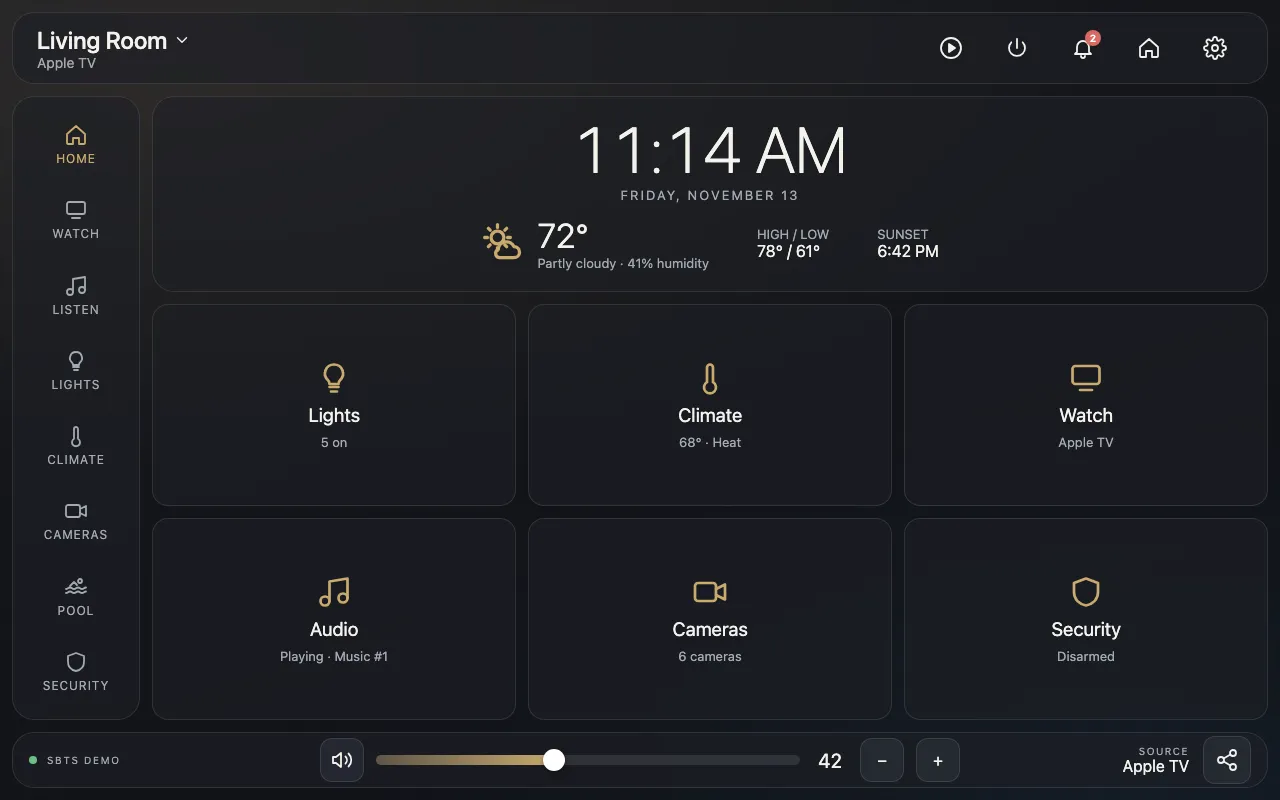
A lightweight version of a residential interface we designed and programmed for a real home, rebuilt as a standalone demo. The look, layout and flow match the installed panel; the equipment behind it is simulated.
Pick a room from the header, change sources, set a lighting scene, adjust the thermostat or arm the security system. The home screen tiles update as you go.
This is a live demo: tap or click any control to try it.
Interactive demos are built for tablets and computers. Open this page on an iPad or desktop to try it.
What it shows
- Room picker, source selection and volume control
- Source-specific controls: Apple TV, Blu-ray and Superbox remotes; consoles use their own controllers
- Whole-home audio sharing: group rooms onto one source, with per-room volume and power
- Music player, Alexa and white noise sources
- Lighting scenes and individual dimmers
- Thermostat with modes and multiple zones
- Cameras, pool and spa, and security keypad
- Light and dark themes with selectable accent color